Settings
The three tabs of the MindLM settings panel: Account (avatar, username, password, membership, manage subscription, redeem codes), AI (default model) and Billing (credit history). Also how to invite friends for credits and where to switch the interface language and theme.
Last updated ·
The settings panel holds your account details, membership and AI preferences. It is a dialog, so you can open it from any page in the app.
Opening settings
Click your avatar at the top right to open the user menu, then choose Settings. Press Esc to close. The user menu also shows your remaining credits and membership expiry, and links to Invite, Feedback, Documentation and Sign Out.
Account
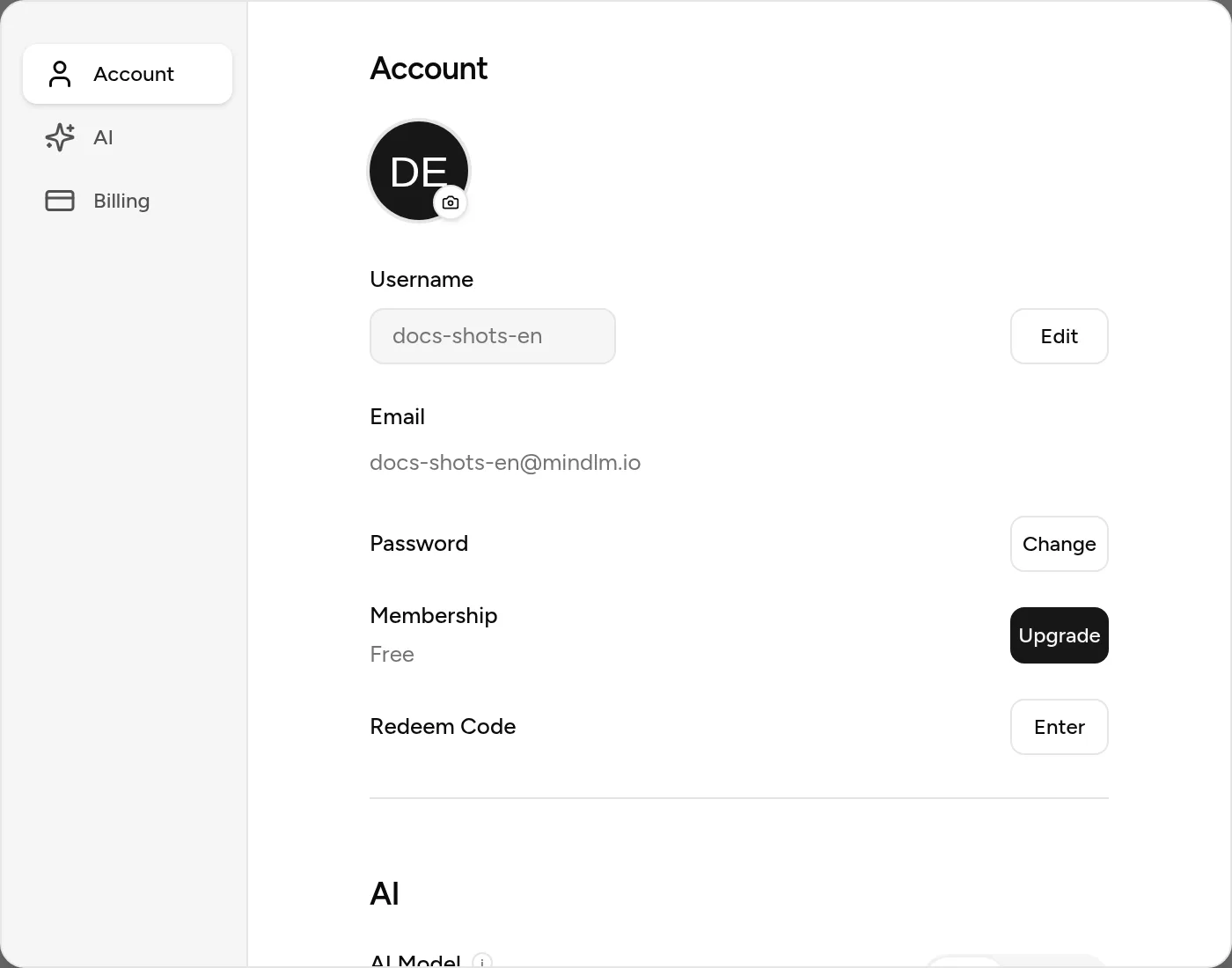
| Item | Details |
|---|---|
| Avatar | Upload a JPG, PNG or WEBP |
| Username | Click Edit, type, press Enter to save |
| Read-only | |
| Password | Click Change; the new password needs at least 6 characters, entered twice |
| Membership | Shows Free / Pro / Max; subscribers also see monthly or yearly and the renewal or expiry date |
| Manage subscription | Opens the payment provider's portal to change the payment method or cancel |
| Upgrade | Goes to the pricing page |
| Redeem code | Click Enter, type the 12-character code, press Enter |
There are two kinds of code. A membership code activates that tier immediately (30 days by default, with the period's credits). A credit code adds credits to your balance, and those never expire. Each code can be used once.
AI
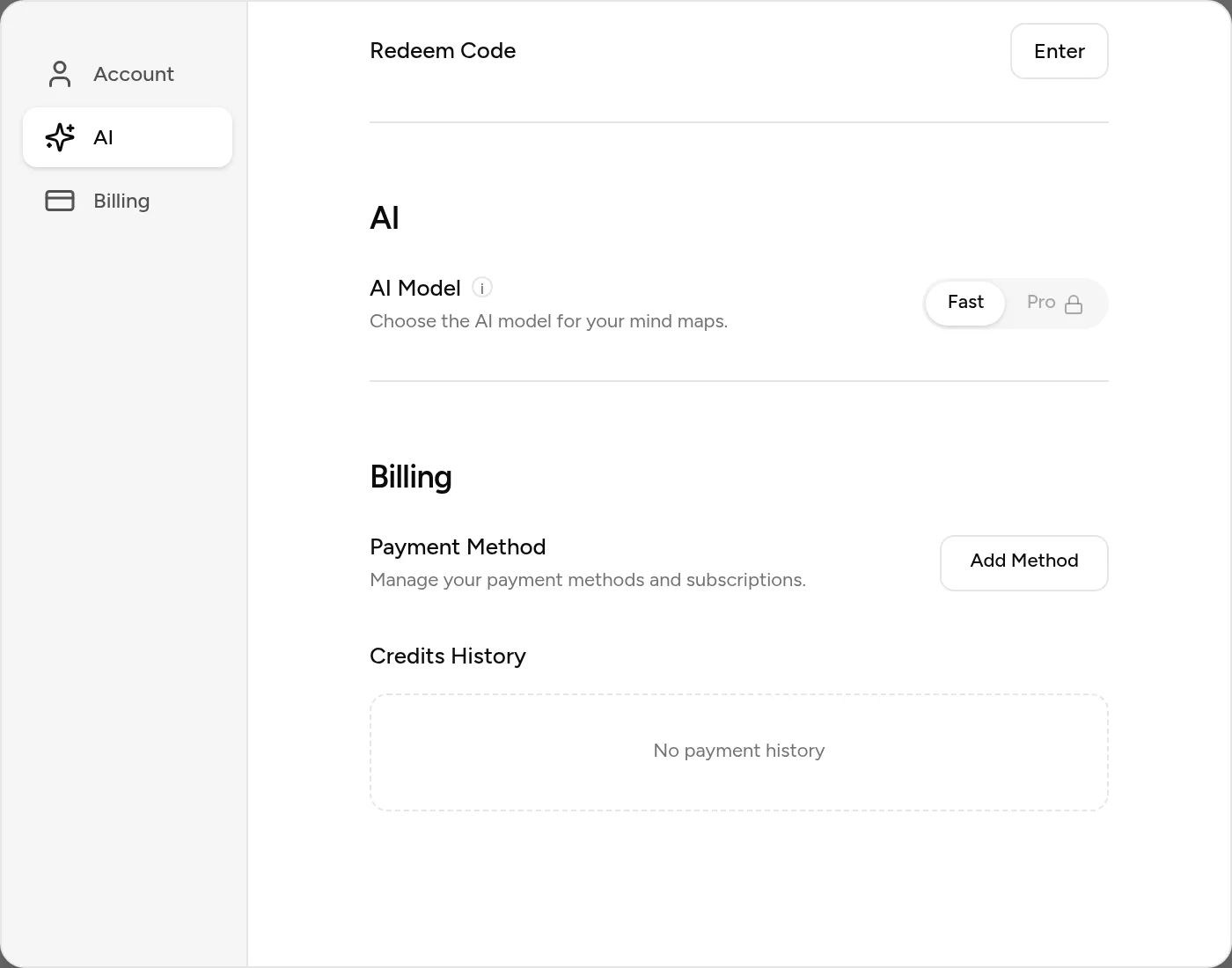
This sets the default model: Fast or Pro. Every input page's toolbar then starts from that choice; you can still switch per generation. The Pro model requires a Pro or Max membership.
Billing
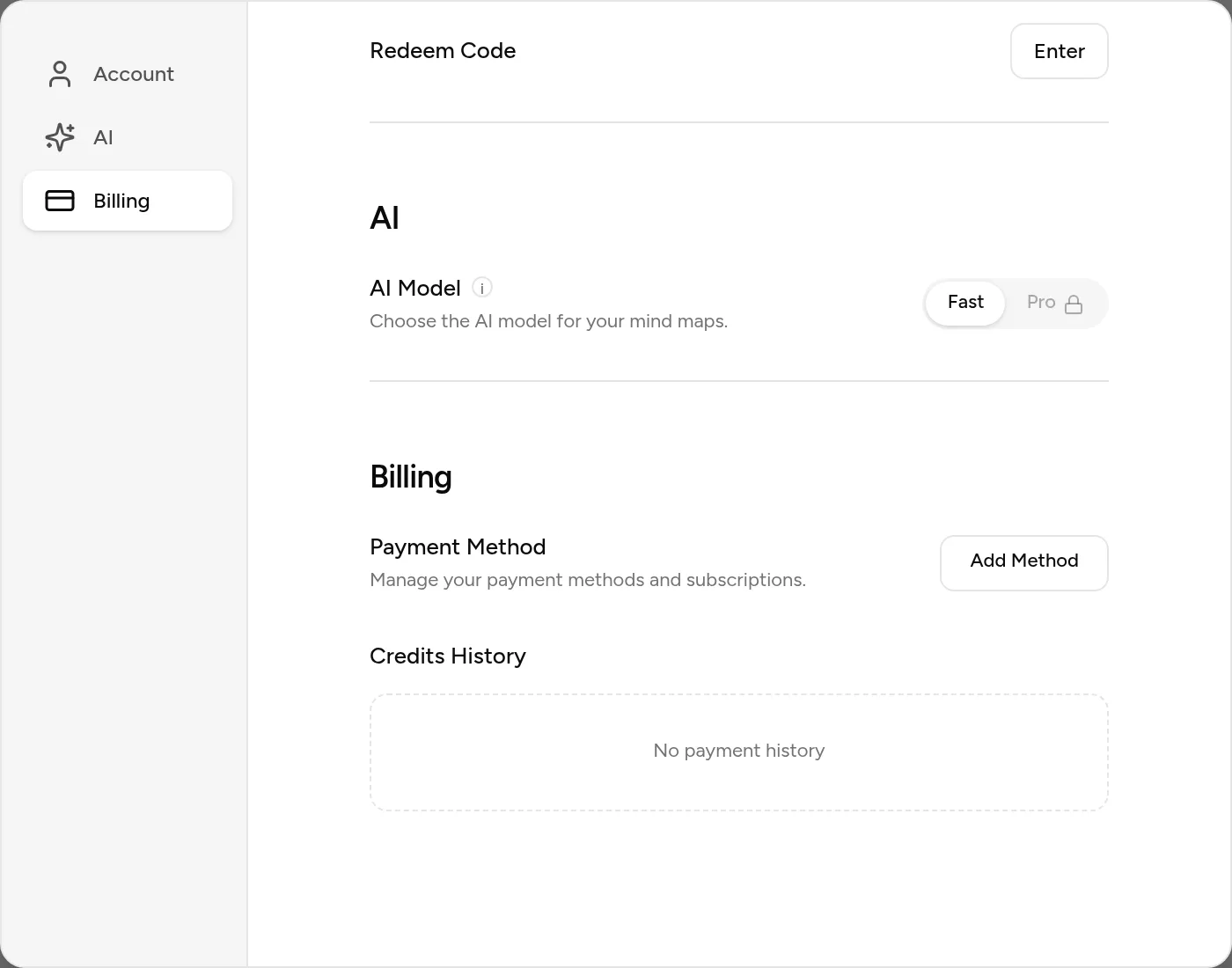
Credit history lists your last 10 credit changes: time, balance at that point, source (signup bonus, daily login, invite reward, subscription grant, usage, refund, redeem code) and the amount.
Inviting friends
Choose Invite & Earn in the user menu and copy your invite link. When a friend signs up and generates their first map, you both get 10 credits, for up to 50 friends. Milestones add more: 1 invite gives 3 days of Pro, 10 unlock a custom invite code, 20 give 30 days of Pro, 50 give a year of Pro.
Interface language and theme
The interface language and the light / dark theme are switched in the top navigation bar, not in settings. The map canvas is always white; only present mode can switch to dark.
FAQ
How do I cancel my subscription?
Click Manage subscription in the Account tab and cancel through the payment provider. Membership stays active until the end of the current period, then reverts to Free; your maps are unaffected.
My redeem code says it is invalid.
Check for typos, whether the code has expired or reached its usage limit, and whether you have already used it. Each account can try 5 codes per minute.
More questions in the Help Center.
Next steps
- Plans & Permissions: what each tier includes
- Credits: how credits are earned and spent