Meeting notes mind map
Paste raw meeting notes or a transcript and get a map of topics, decisions, owners and next steps.
No sign-up needed: 3 free tries, up to 5,000 characters each.
A real meeting notes mind map
Generated by MindLM with the same pipeline you use, not edited by hand. Expand the nodes, or open your own copy in the editor.
What you add
Weekly product sync: Q4 planning
Pasted text
617 words becomes 74 nodes
Fictional meeting notes written for this example
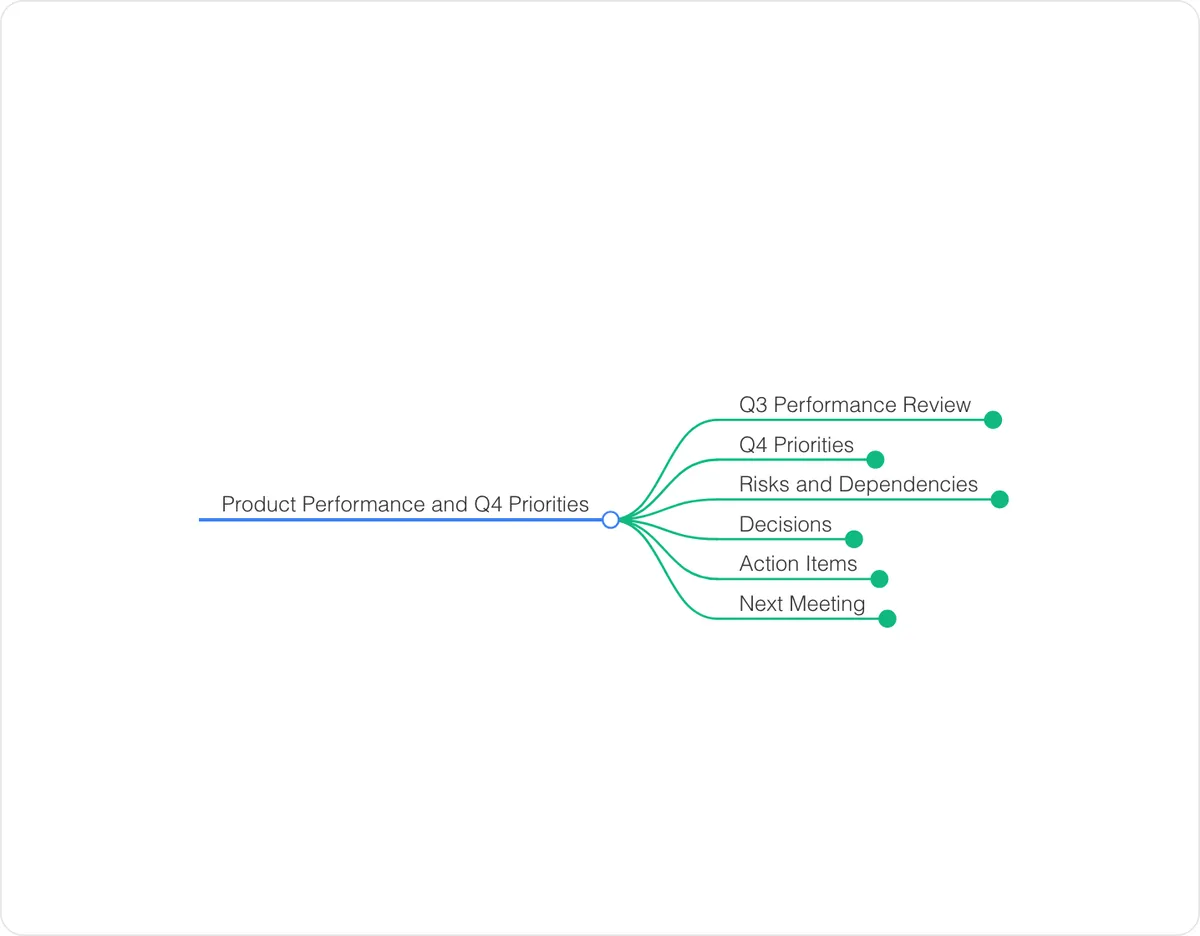 Loading the interactive mind map…
Drag to move, click a node to fold it.
How to structure a meeting notes mind map
This is how MindLM organizes the map, and a good checklist when you edit it yourself.
Agenda topics
One first-level branch per topic that was actually discussed, in the order it came up — not the order on the invite.
Facts and numbers
Under each topic, the figures and status updates people reported, so the decision below has its context.
Decisions
What was agreed, written as a sentence someone who missed the meeting could act on.
Action items
Owner + task + deadline on one node. Items without an owner are the first thing to fix after the meeting.
Open questions
Anything parked for later, so it shows up on the next agenda instead of disappearing.
When to use it
Send a recap nobody skips
Export the map as an image and drop it in the team channel: people see every decision and owner at a glance instead of scrolling a wall of notes.
Catch up on a meeting you missed
Paste a colleague's notes or the auto-generated transcript and read the outcome in a minute.
Prepare the next agenda
Open questions and overdue action items from last time become the first branches of the next meeting.
How it works
Paste text or a link
Drop in an article, notes or a webpage URL. Once signed in, upload a PDF or eBook.
Get the map in 1–3 minutes
AI reads the content, keeps its structure and lays it out as branches you can open one at a time.
Navigate, edit, export
Collapse and expand branches, rename nodes, then export as PNG, Markdown, or XMind to use anywhere.
FAQ
Can I use a meeting transcript instead of notes?
Yes. Paste the transcript text from Zoom, Teams or Google Meet. For a recording, sign in and use the audio tool, which transcribes the file first and then builds the map.
Does it pick out action items and owners?
When the notes mention who will do what, those end up on their own branch with the name attached. If an owner or date was never said, the map will not invent one.
Can I edit the map after it is generated?
Yes. Every map opens in the editor, where you can rename nodes, move branches and export to PNG, Markdown or XMind.
Keep exploring
Tools for this topic
Ready to map your next PDF, video, or notes?
No setup needed. Start in your browser instantly.
Encrypted storage · Your data never trains AI models · Export anytimeHow we protect your data