Text
Type a topic or paste a long text on the MindLM create page to generate a mind map. Covers the rules behind topic mode and content mode, per-plan character limits and background-task thresholds, template cards and keyboard shortcuts, and how long texts are chunked.
Last updated ·
Text is the most direct input: a single topic or a whole article, both start in the box in the middle of the create page.
Two modes
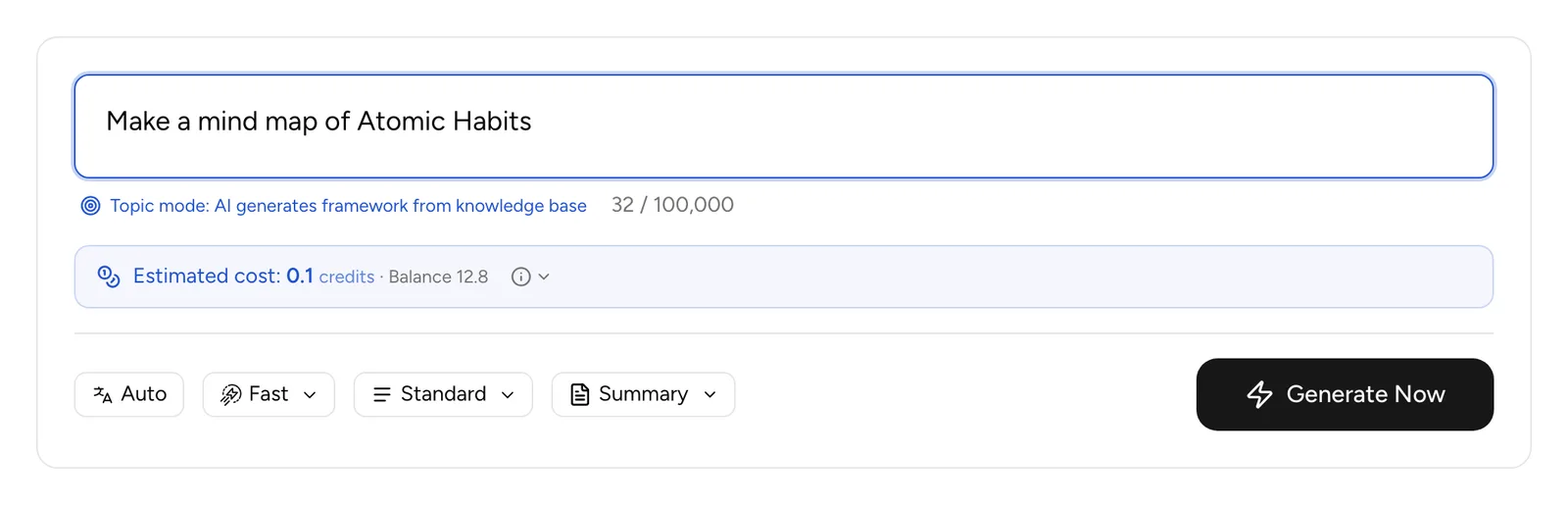
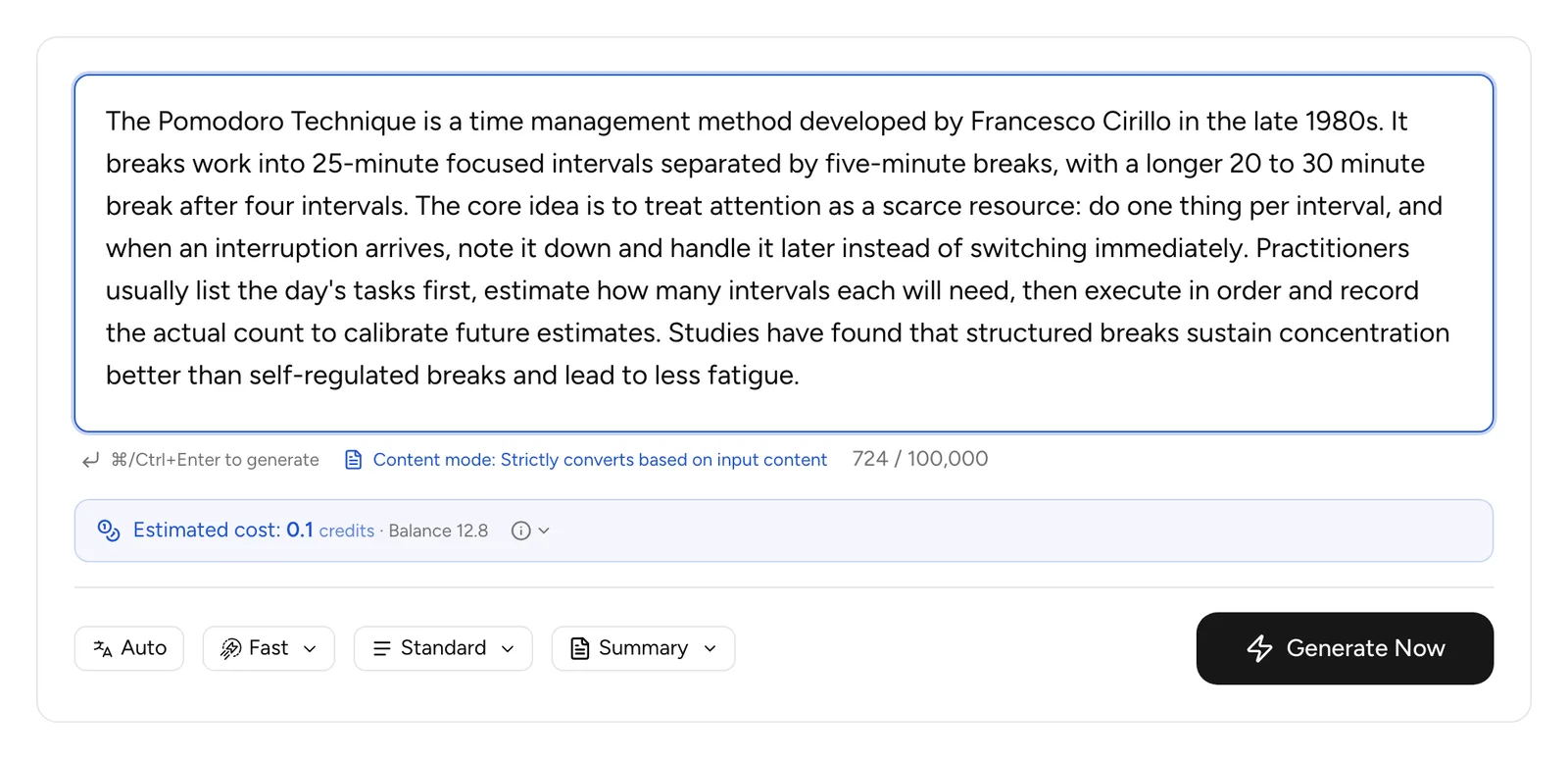
The box switches mode automatically based on what you type, and shows the current mode underneath.
| Mode | When it applies | What the AI does |
|---|---|---|
| 🎯 Topic mode | Under 200 characters, or an instruction such as "make a map of…" or "how to…" | Builds a framework for the topic from its knowledge |
| 📝 Content mode | Everything else | Extracts structure strictly from the pasted text, without adding outside information |
Steps
- Open the text to mind map tool and type a topic or paste text.
- Adjust the toolbar if needed: output language, model, detail level, map style.
- Click Generate Now or press ⌘ Enter (Ctrl on Windows). Under 200 characters, plain Enter submits too.
Character limits
| Plan | Characters per generation | Runs in the background above |
|---|---|---|
| Free | 100,000 | 10,000 |
| Pro | 300,000 | 20,000 |
| Max | 600,000 | 50,000 |
Over the limit, the generate button is disabled and the counter turns red. Inputs above the background threshold become a background task you can follow in the task tray at the bottom right. Texts over 60,000 characters are processed in 30,000-character chunks, up to 20 chunks.
Tips
- The template cards under the box (Reading Notes, Brainstorm, Project Planning, Course Summary, Meeting Notes) fill in an example sentence; replace the subject with yours.
- Your draft is saved in the browser, so a refresh does not lose it; press Esc to clear it.
- If you paste a YouTube, X or web page link, the page offers to jump to the matching input source. Do not generate it as text.
- HTML tags such as script or iframe are blocked; remove them before submitting.
FAQ
Is topic mode accurate?
Topic mode relies on the model's knowledge. It is great for a quick framework or for finding angles, but verify facts yourself. When the map must follow a specific source, paste the source and use content mode.
Will a very long article lose content?
Background tasks process long texts in chunks and merge them, so the main structure survives, but details are trimmed according to the detail level. For more detail choose Detailed (Pro/Max) or generate in a few parts.
More questions in the Help Center.
Next steps
- Generation Settings: choosing model, detail level and map style
- Documents & eBooks: upload a file instead