Documents & eBooks
Upload PDF, DOCX, TXT, MD or SRT documents, or EPUB ebooks, and MindLM quotes the cost before generating a mind map. Covers supported formats and size limits, the quote-then-confirm flow, automatic OCR for scanned PDFs, legacy DOC files, ebook caveats and common questions.
Last updated ·
Upload a file and MindLM extracts the text, tells you the estimated credit cost, and generates once you confirm. Documents and ebooks are two separate entries with slightly different rules.
Supported formats
| Entry | Formats | Size limit |
|---|---|---|
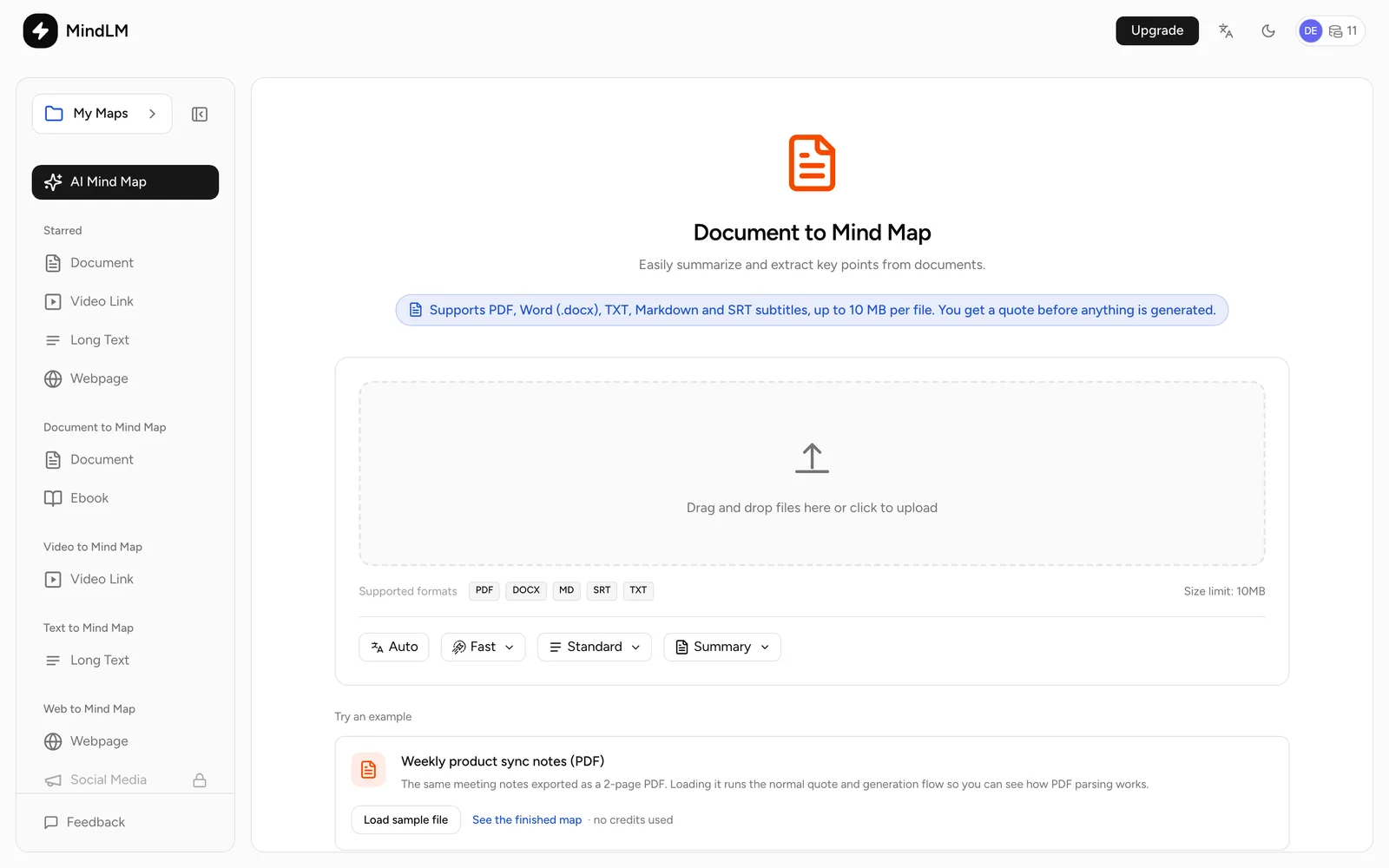
| Document | PDF, DOCX, TXT, MD, SRT | 10 MB |
| Ebook | EPUB | 20 MB |
Both entries are available on every plan.
Steps
- 1Step 1
Upload the file
Choose Document or Ebook in the sidebar, then drag the file into the upload area or click to pick it. Unsupported formats and oversized files are rejected immediately.
Document upload page - 2Step 2
Get a quote
Click Get Quote. The text is extracted and the page shows "About N characters · Estimated N credits". A quote stays valid for 30 minutes. If the content exceeds your plan's character limit, only the first part is processed and the page says so.
- 3Step 3
Confirm
Click Generate. The task runs in the background: about 1-2 minutes for documents, 3-5 minutes for ebooks. The editor opens when it finishes.
Ebooks
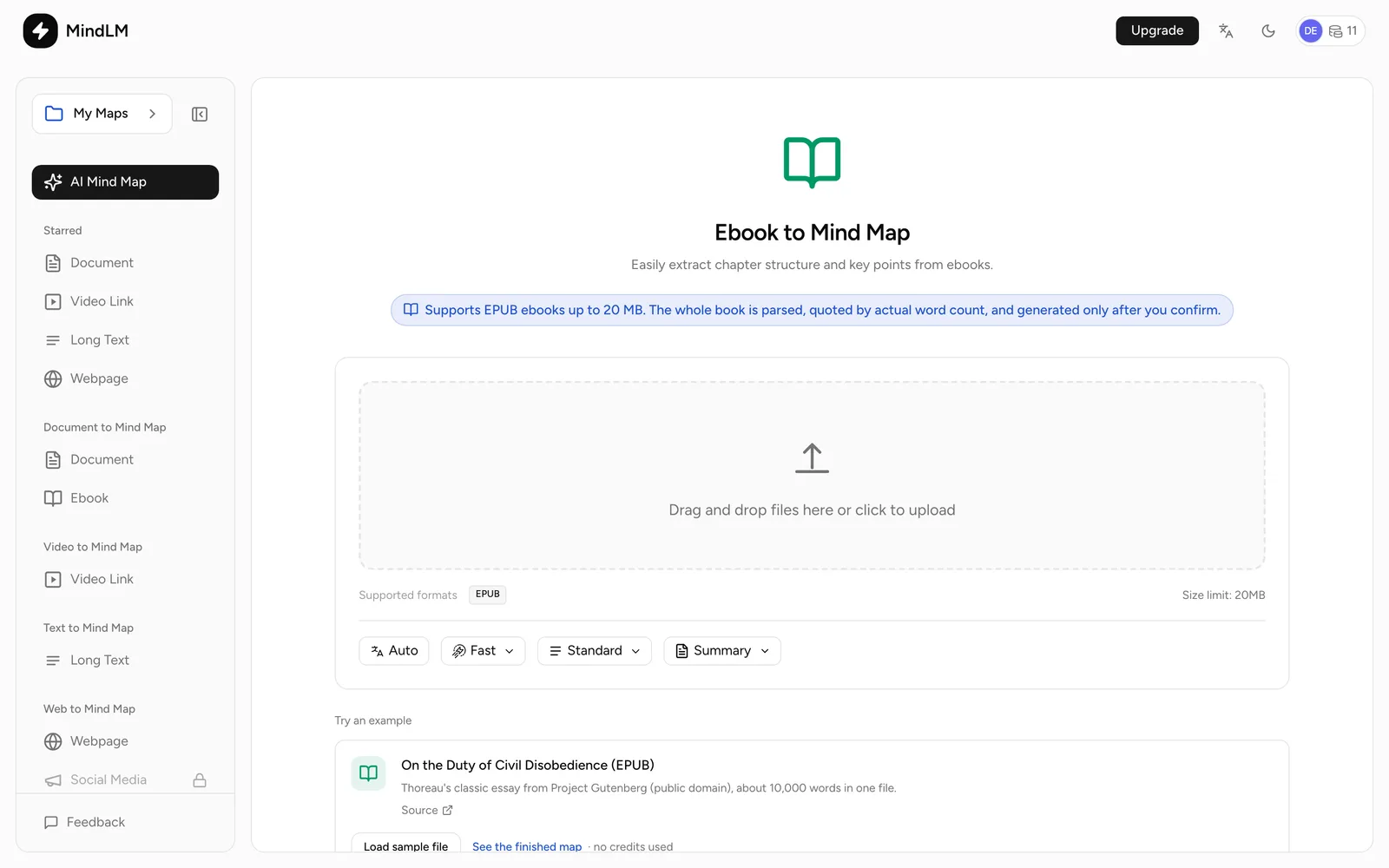
- EPUB only, and it must be free of DRM. If parsing fails, check those two things first.
- Up to 400,000 characters are extracted; very long books are cut after the early chapters.
- One book per file works best. Do not merge several books into one EPUB.
Scanned PDFs
Image-only or scanned PDFs can be uploaded as they are: MindLM runs OCR on them automatically, no conversion needed. Clear scans give the best results. OCR is slower than a text-based PDF, and the quote holds credits by file size, settled on the actual content afterwards. For a single screenshot or photo, use Image OCR instead.
Tips
- Legacy
.docfiles are not parsed. Save them as DOCX in Word first. - Large documents that mix unrelated topics work better split into parts.
- SRT subtitle files are read as plain text, timestamps included. For a cleaner map, strip the timestamps before uploading.
FAQ
Why is the final charge different from the quote?
The quote estimates from the extracted character count; the final charge settles on actual usage once the task completes, refunding any difference. If no text is detected, a hold based on file size is placed and settled the same way.
What about documents over 10 MB?
Compress the PDF, or split it into smaller files and upload them separately. The editor cannot merge several maps into one yet.
More questions in the Help Center.
Next steps
- Image OCR: scans and screenshots
- Generation Settings: options you can change before the quote