Your First Mind Map
A hands-on walkthrough of your first mind map in MindLM: sign up and sign in, pick an input source in the sidebar, paste content and adjust the generation settings, wait for the result, then open it in the editor. Also lists what the free plan includes.
Last updated ·
Follow these five steps and you will have your first mind map open in the editor within a few minutes. All you need is an account and some text.
- 1Step 1
Sign up and sign in
Open the sign-in page and continue with Google, or register with an email address. Email passwords need at least 8 characters with upper-case, lower-case and a digit; confirm the link we email you, then sign in. If you have an invite code, enter it at sign-up and you both receive 10 credits.
A new account gets 10 credits right away, plus 1 more the first time you open the app each day.
Sign-in page - 2Step 2
Choose an input source
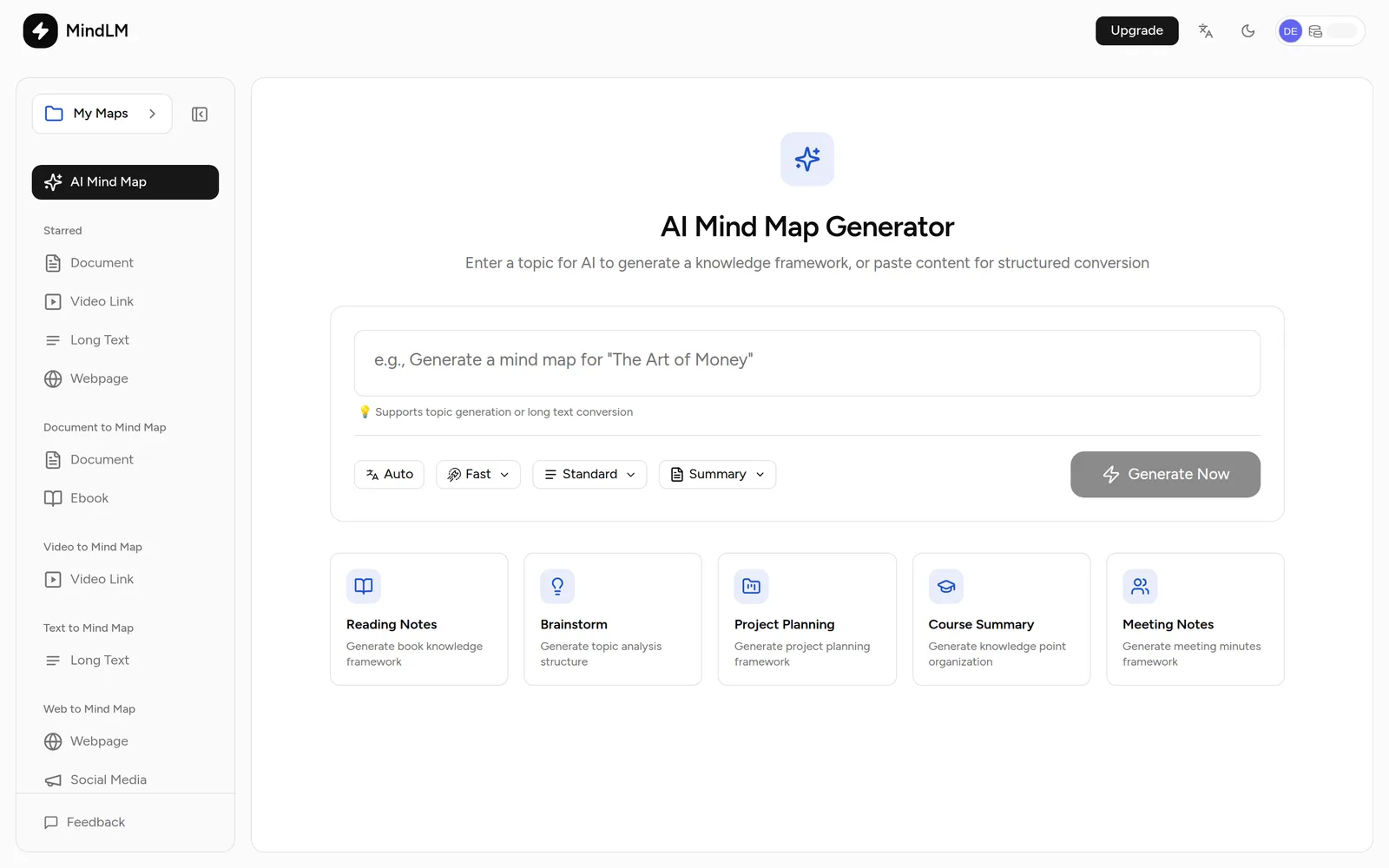
After signing in you land on the create page. The text box is in the middle; the sidebar lists every input source: Document, Ebook, Video Link, Long Text, Webpage, Social Media, Audio File, Podcast and Image File. Items with a lock need Pro or Max.
For a first map, plain text is easiest: paste an article or type a topic.
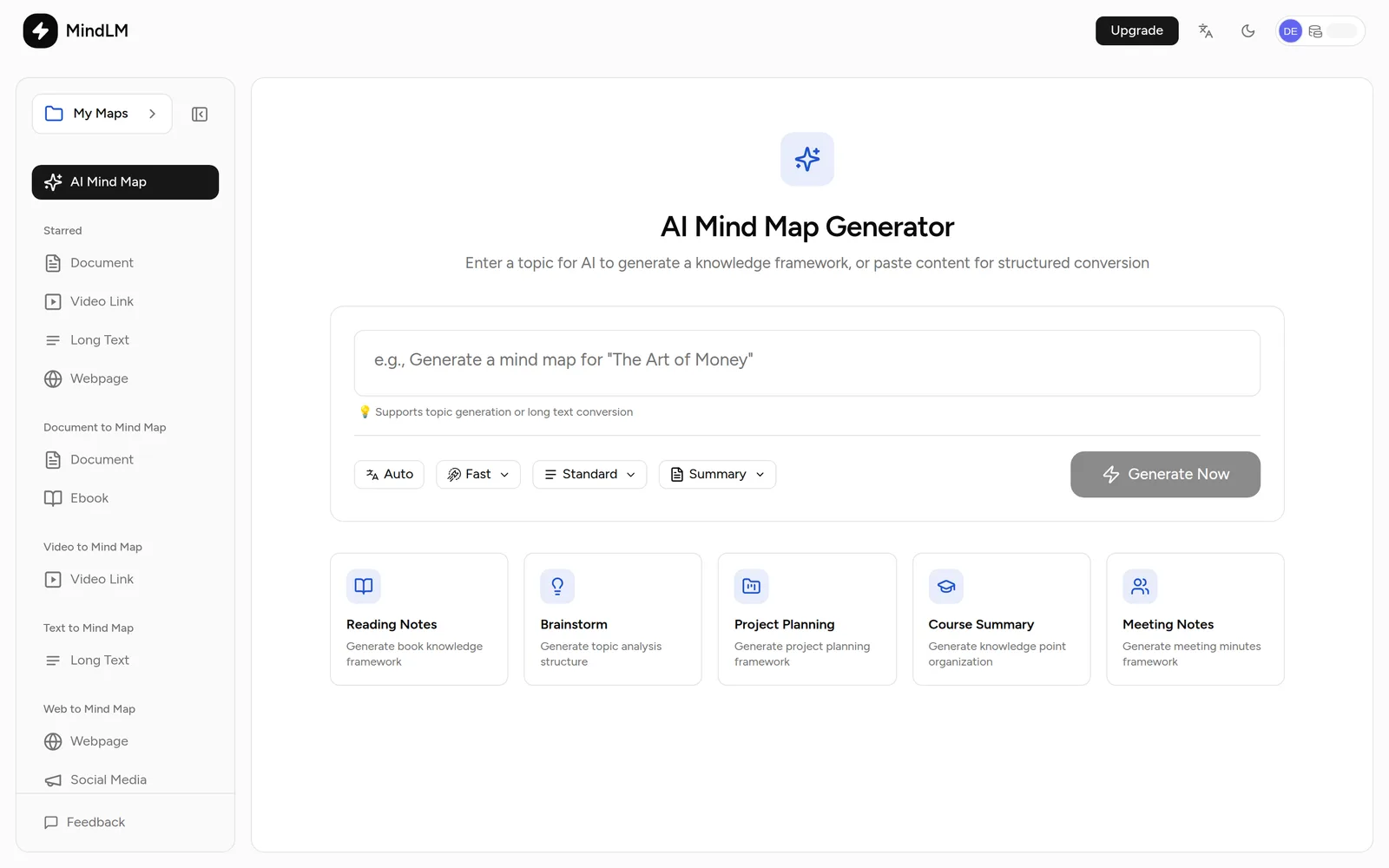
Create page - 3Step 3
Paste content and adjust the options
The box picks a mode automatically. Under 100 characters, or an instruction like "make a map of Atomic Habits", runs topic mode, where the AI builds a framework from its knowledge. Anything longer runs content mode, which extracts structure strictly from what you pasted. The template cards below fill in an example.
Under the box is the generate toolbar: output language, model (Fast / Pro), detail level and map style (Summary / Action). The defaults are fine for a first run. Once there is text, the page also shows the estimated credit cost.

Generate toolbar - 4Step 4
Generate and wait
Click Generate Now or press ⌘ Enter. Short inputs open the editor within a minute. Texts over 10,000 characters (Free) become a background task; the task tray at the bottom right shows progress and links to the map when it is done.
If a task fails or is cancelled, the reserved credits are refunded automatically.
- 5Step 5
Open it in the editor
The map opens expanded to the first level. Click a node to expand its branch, scroll to zoom, drag empty space to pan. The top buttons are Edit, Format, Export, Present and Share.
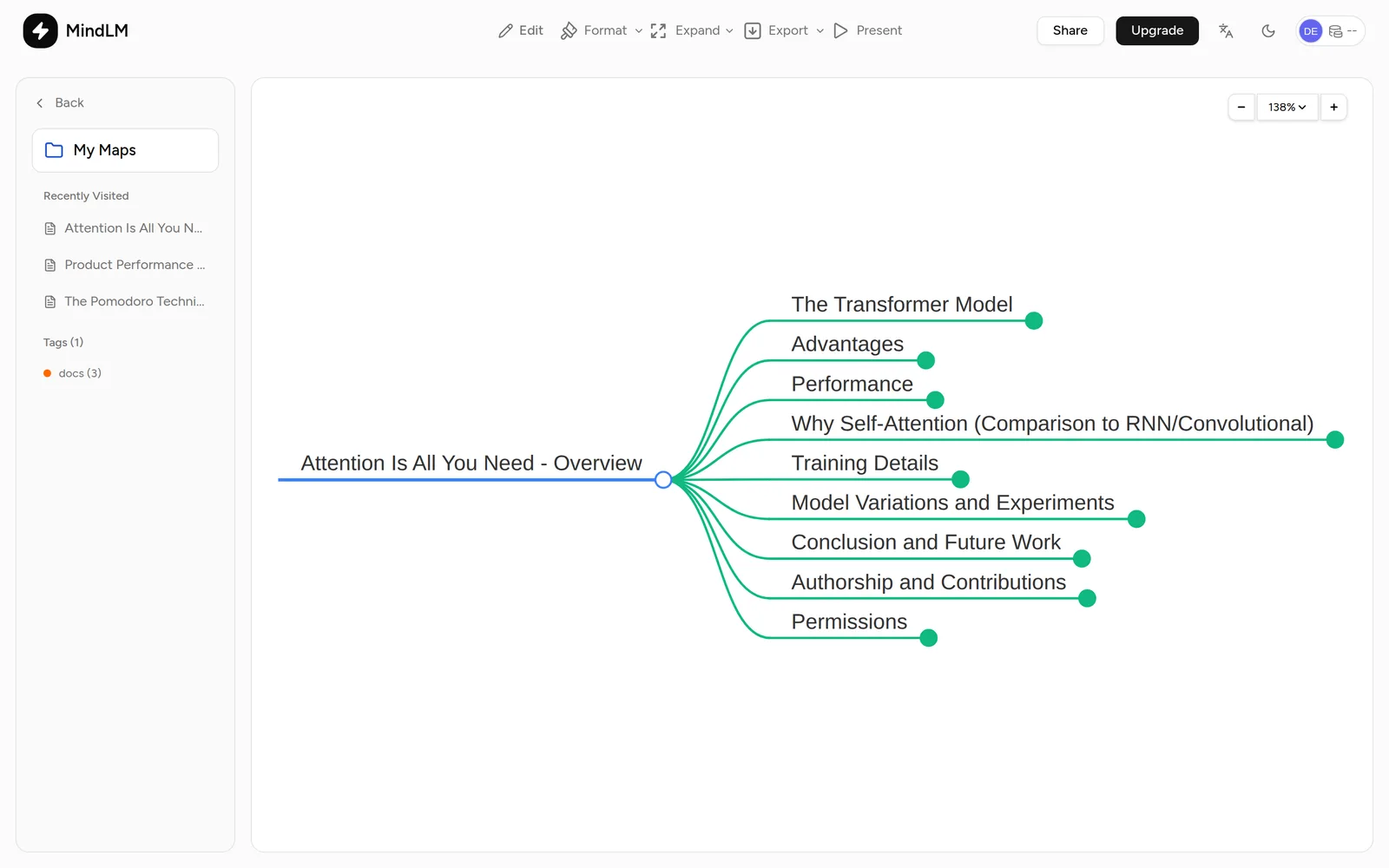
Your first map
What the free plan includes
- Up to 3 maps a day, each still paid with credits; the counter resets at midnight UTC.
- Text, documents, ebooks, images and web pages, plus one trial YouTube video under 20 minutes.
- Up to 100,000 characters per text or document, 10,000 per web page.
- In the editor: edit node text, export PNG / Markdown / XMind, create share links.
See Plans & Permissions for the full comparison.
Next steps
- Limits for each source: Input sources
- More detail or a different angle: Generation Settings
- Changing the map: Browse & Edit