Essay mind map
Paste your rough notes for an essay and get the thesis, arguments, evidence and counterarguments laid out before you write.
No sign-up needed: 3 free tries, up to 5,000 characters each.
A real essay mind map
Generated by MindLM with the same pipeline you use, not edited by hand. Expand the nodes, or open your own copy in the editor.
What you add
Essay plan: should social media have an age limit?
Pasted text
382 words becomes 33 nodes
Essay planning notes written for this example
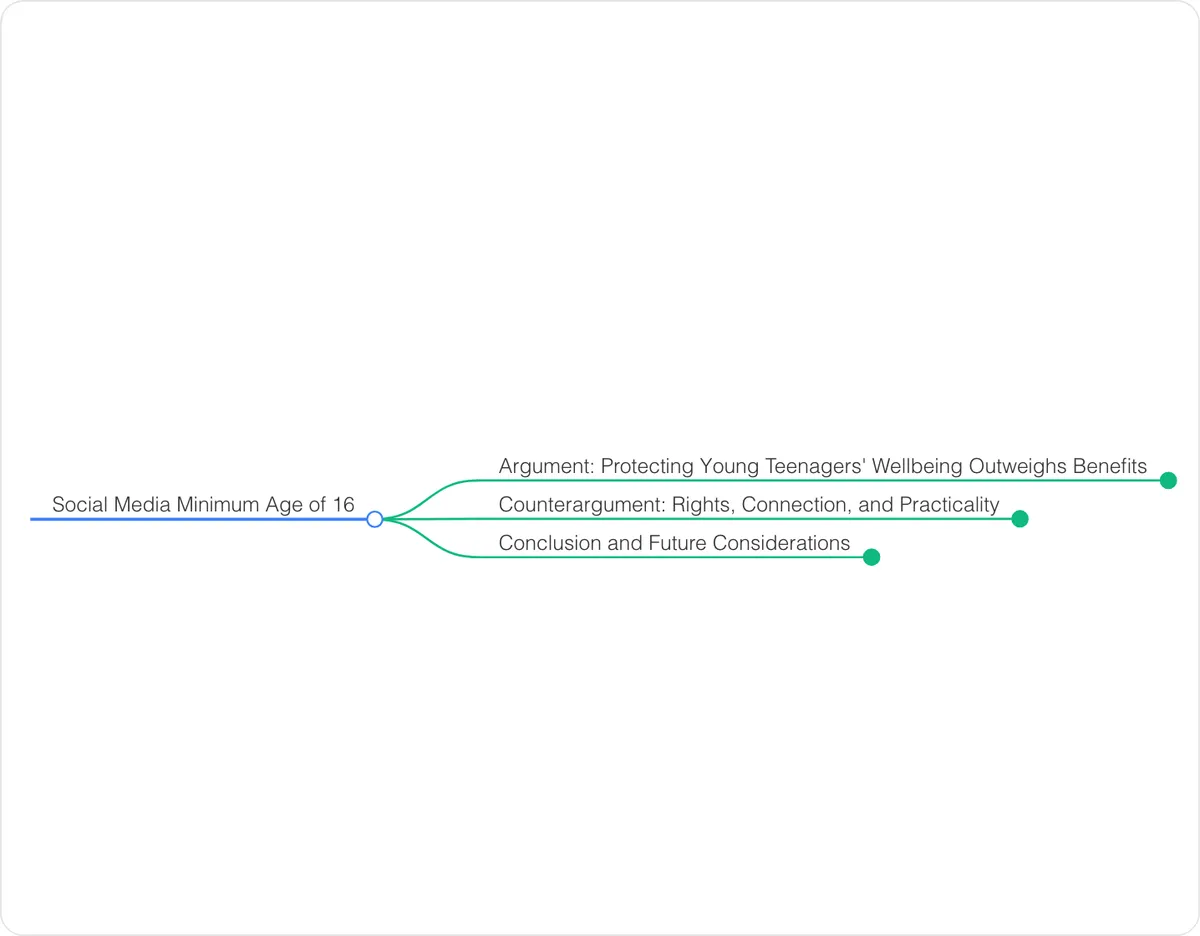 Loading the interactive mind map…
Drag to move, click a node to fold it.
How to structure a essay mind map
A good way to structure it, and a checklist to use when you edit the map yourself.
Thesis
One sentence that answers the question. Every other branch should support or test it.
Arguments
One branch per argument, in the order you plan to write them — each usually becomes a paragraph.
Evidence
Facts, quotes and examples as leaves under the argument they prove, with a note of the source.
Counterargument and rebuttal
The strongest objection to your thesis and your answer to it — what lifts an essay from good to strong.
Conclusion
How you will restate the thesis and what wider point you will end on.
When to use it
Turn a brain dump into a plan
Paste everything you have jotted down for an essay and get it grouped into arguments, evidence and objections.
Organize research notes
Map your notes from several sources to see which arguments have strong evidence and which still need more.
Outline a book report or literature essay
Paste your reading notes and quotes and get them sorted by theme or argument before you draft.
How the AI mind map generator works
Paste text or a link
Drop in an article, notes or a webpage URL. Once signed in, upload a PDF or eBook.
Get the map in 1–3 minutes
AI reads the content, keeps its structure and lays it out as branches you can open one at a time.
Navigate, edit, export
Collapse and expand branches, rename nodes, then export as PNG, Markdown, or XMind to use anywhere.
FAQ
Will it write the essay for me?
No. MindLM organizes your notes into a plan; it does not write paragraphs. The map shows the structure, and the writing stays yours.
Can I start from just an essay question?
Yes. Type the question and the AI suggests a structure from general knowledge. Any facts or sources it mentions need checking before you use them; starting from your own notes keeps the plan grounded in your research.
Can I export the plan to a document?
Yes. After signing up, export the map as Markdown and paste it into Google Docs, Word or Notion as an indented outline.
Keep exploring
Ready to map your next PDF, video, or notes?
No setup needed. Start in your browser instantly.
Encrypted storage · Your data never trains AI models · Export anytimeHow we protect your data