Brainstorming mind map
Paste the messy list from a brainstorm and get the ideas grouped by theme, with the quick wins separated from the big bets.
No sign-up needed: 3 free tries, up to 5,000 characters each.
A real brainstorming mind map
Generated by MindLM with the same pipeline you use, not edited by hand. Expand the nodes, or open your own copy in the editor.
What you add
Brainstorm: ideas to bring more customers to a neighborhood coffee shop
Pasted text
337 words becomes 37 nodes
Fictional brainstorm written for this example
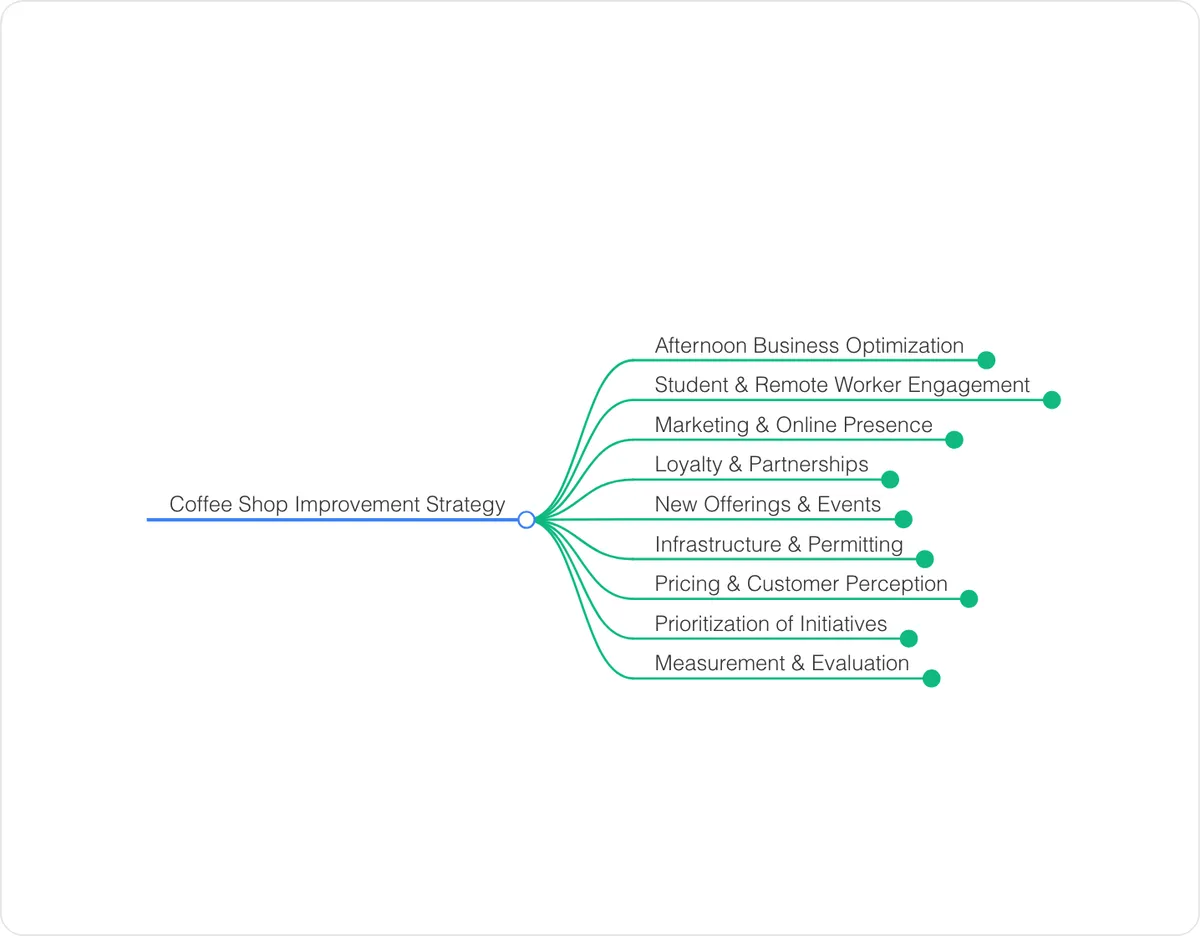 Loading the interactive mind map…
Drag to move, click a node to fold it.
How to structure a brainstorming mind map
A good way to structure it, and a checklist to use when you edit the map yourself.
Goal
The question the brainstorm is trying to answer, plus any constraints like budget, people or deadline.
Idea themes
Ideas grouped into three to six themes so duplicates merge and gaps show.
Quick wins vs big bets
What is cheap and can start this week, kept apart from what needs money, time or approval.
Concerns and open questions
Worries and unknowns that came up, so they get answered instead of forgotten.
Next steps
Who does what first and how you will know if it worked.
When to use it
Sort ideas after a meeting
Paste the whiteboard notes or chat thread and get the ideas grouped instead of sitting in a long list.
Plan a project or event
Dump every idea for a launch, offsite or campaign and see the themes, constraints and next steps on one page.
Think through a decision alone
Write freely about a problem for ten minutes, paste it in, and see your own thoughts organized.
How the AI mind map generator works
Paste text or a link
Drop in an article, notes or a webpage URL. Once signed in, upload a PDF or eBook.
Get the map in 1–3 minutes
AI reads the content, keeps its structure and lays it out as branches you can open one at a time.
Navigate, edit, export
Collapse and expand branches, rename nodes, then export as PNG, Markdown, or XMind to use anywhere.
FAQ
Will it come up with new ideas?
When you paste notes, the map is built from your ideas, though the AI may reword or merge some of them, so read it through. If you type only a topic, such as "ways to grow a newsletter", the AI suggests ideas from general knowledge.
Can a team edit the map together?
Not at the same time. You can share a read-only public link with your team, or export the map as Markdown to paste into a shared document.
Can I paste a meeting transcript?
Yes. Signed in, text up to 100,000 characters works on Free. For a meeting with decisions and owners, the meeting notes template is a better fit.
Keep exploring
More templates
Tools for this topic
Ready to map your next PDF, video, or notes?
No setup needed. Start in your browser instantly.
Encrypted storage · Your data never trains AI models · Export anytimeHow we protect your data